DeNuitkanizator
Open-source CLI analyzer for .exe files compiled with Nuitka, PyInstaller, and other packers.
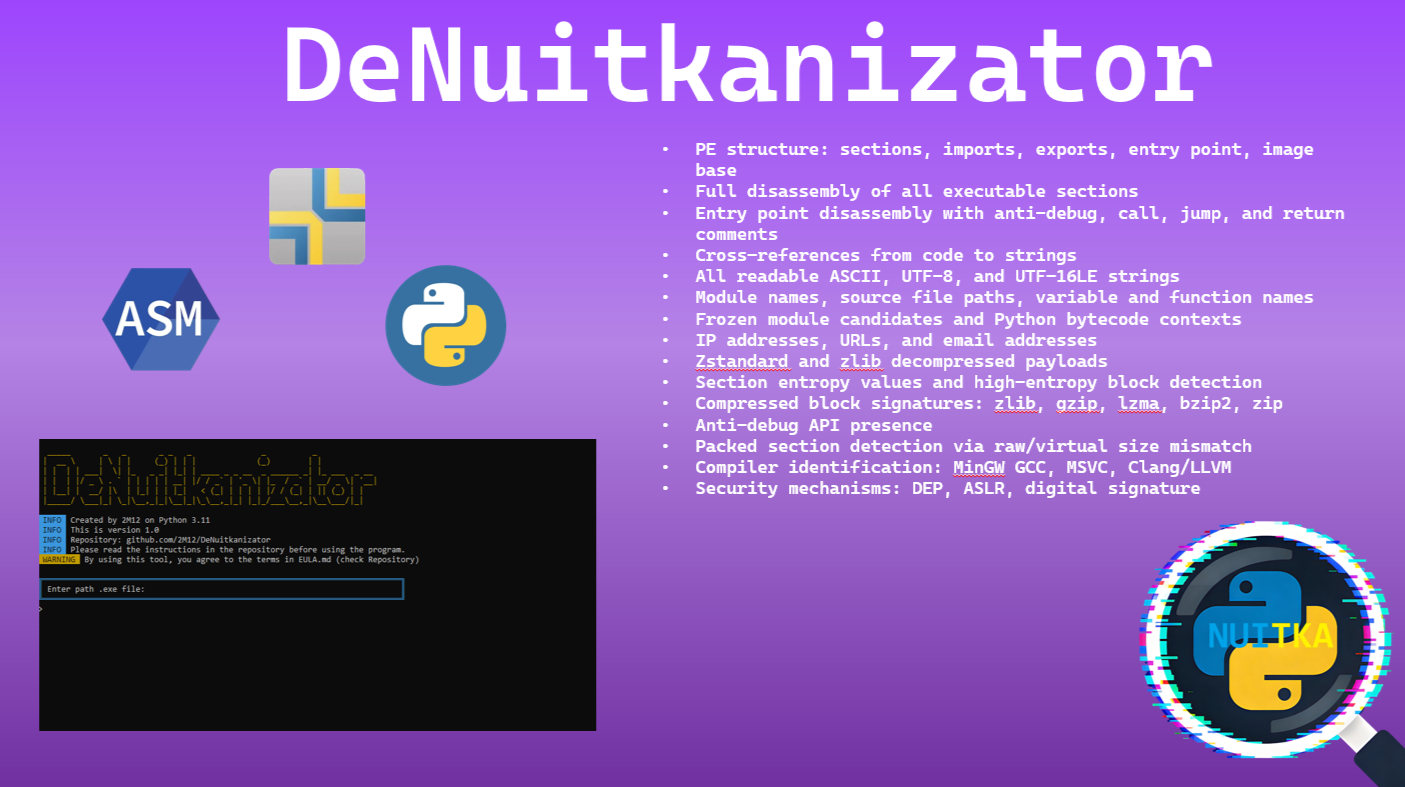
What is DeNuitkanizator?
Many developers use Nuitka to compile Python scripts into executable files. Nuitka translates Python code into C++ and then compiles it into .exe. This reduces file size and speeds up startup.
Unlike PyInstaller (where you can use pydumpck), full reverse decompilation is nearly impossible with Nuitka - its reverse engineering protection is much stronger. However, you can extract useful data:
- Paths, URLs, email addresses
- Names of modules and variables
- Metadata about the compiler and protection
- Signs of anti-debugging techniques
- Compressed data blocks (zstd, zlib)
Quick Start
git clone https://github.com/2M12/DeNuitkanizator.git
cd DeNuitkanizator
pip install -r requirements.txt
python DeNuitkanizator.py
History
I always wondered how to disassemble an .exe file compiled with Nuitka. Tools like IDA PRO, Cremniy, and HxD existed, but I decided to build an open-source project. I remembered the pefile and Capstone libraries. After I managed to build something, I realized my program could also parse PyInstaller .exe files and even native binaries. So I published it on GitHub.
Features
DeNuitkanizator provides a comprehensive set of analysis capabilities:
Packer Detection
Detects Nuitka, PyInstaller, cx_Freeze and native builds
Python Version
Identifies Python version via magic numbers (3.7-3.12)
Security Analysis
DEP, ASLR, anti-debug APIs
Decompression
Extracts and decompresses zstd, zlib. Searches gzip, bzip2, zip
Disassembly
Entry point disassembly via Capstone
Cross-References
Builds XREFs: lea/mov/push to strings
Entropy Analysis
Detects packed/encrypted sections
YARA Rules
Auto-generates YARA rules
Compiler Detection
Identifies MinGW GCC, MSVC, Clang/LLVM
String Extraction
Extracts variable names
Asm-to-C Translator
Converts x86/x64 assembly to readable C code
Technical Pipeline
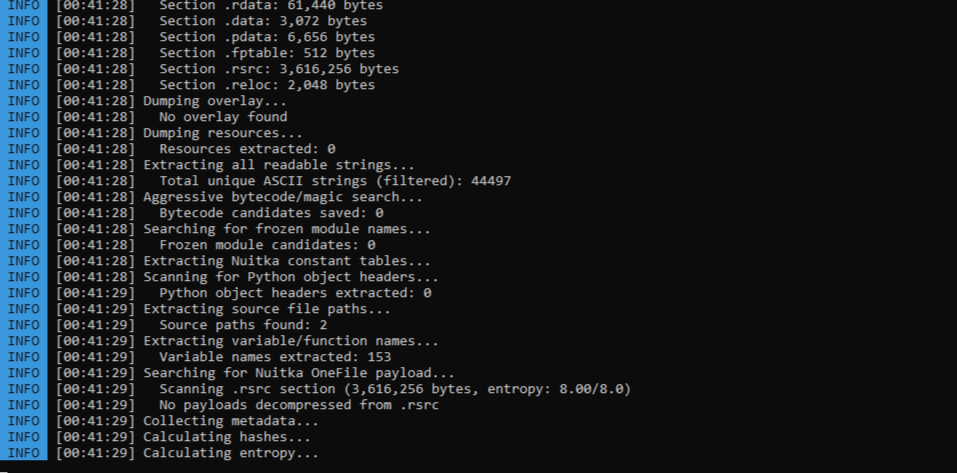
- File read into memory, pefile parses PE headers
- Search for Nuitka signatures (8 patterns) + .rsrc entropy analysis
- Regex search: strings, modules, paths, IP/URL/email
- Search for Python magic numbers + marshal.loads
- Search and decompress: zstd (28 B5 2F FD), zlib (78 9C)
- Disassembly via Capstone with auto x86/x64 detection
- XREF construction: lea/mov/push to string matching
- Analysis: anti-debug, packed sections, entropy, compiler
Screenshots
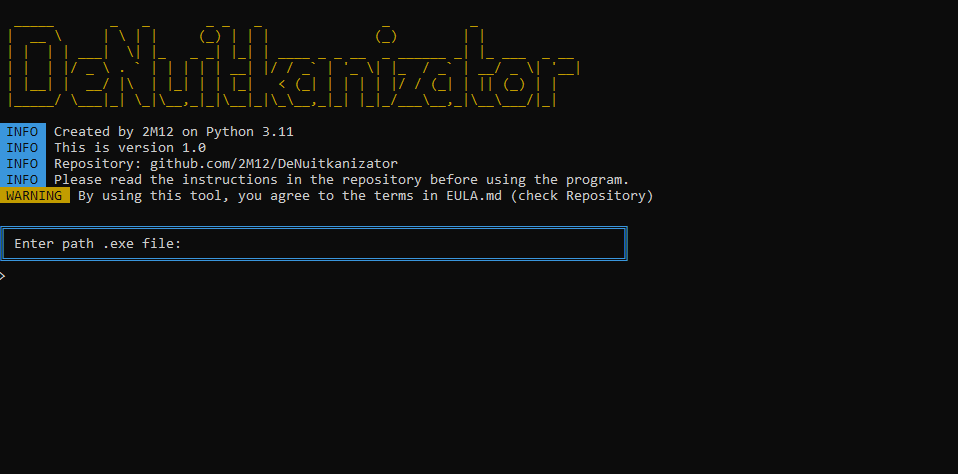
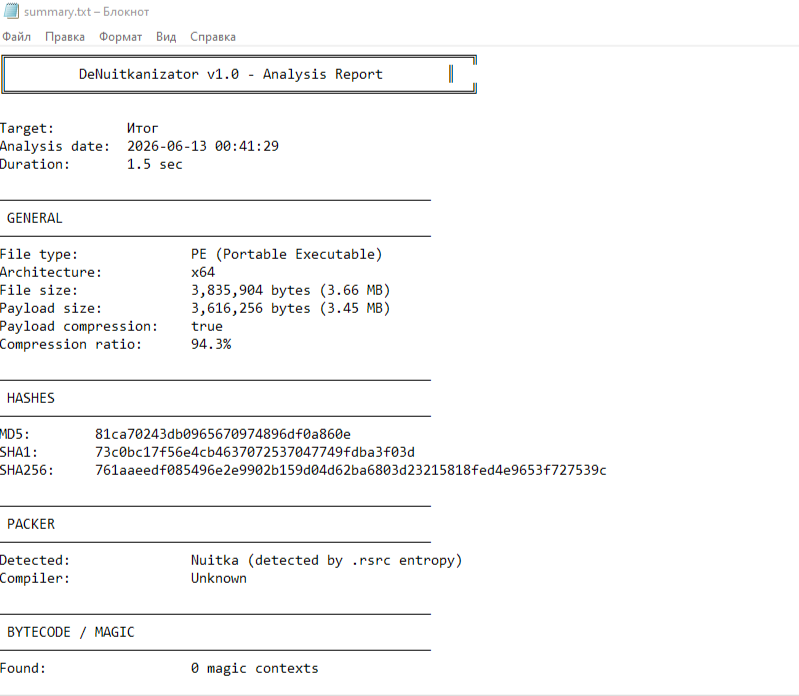
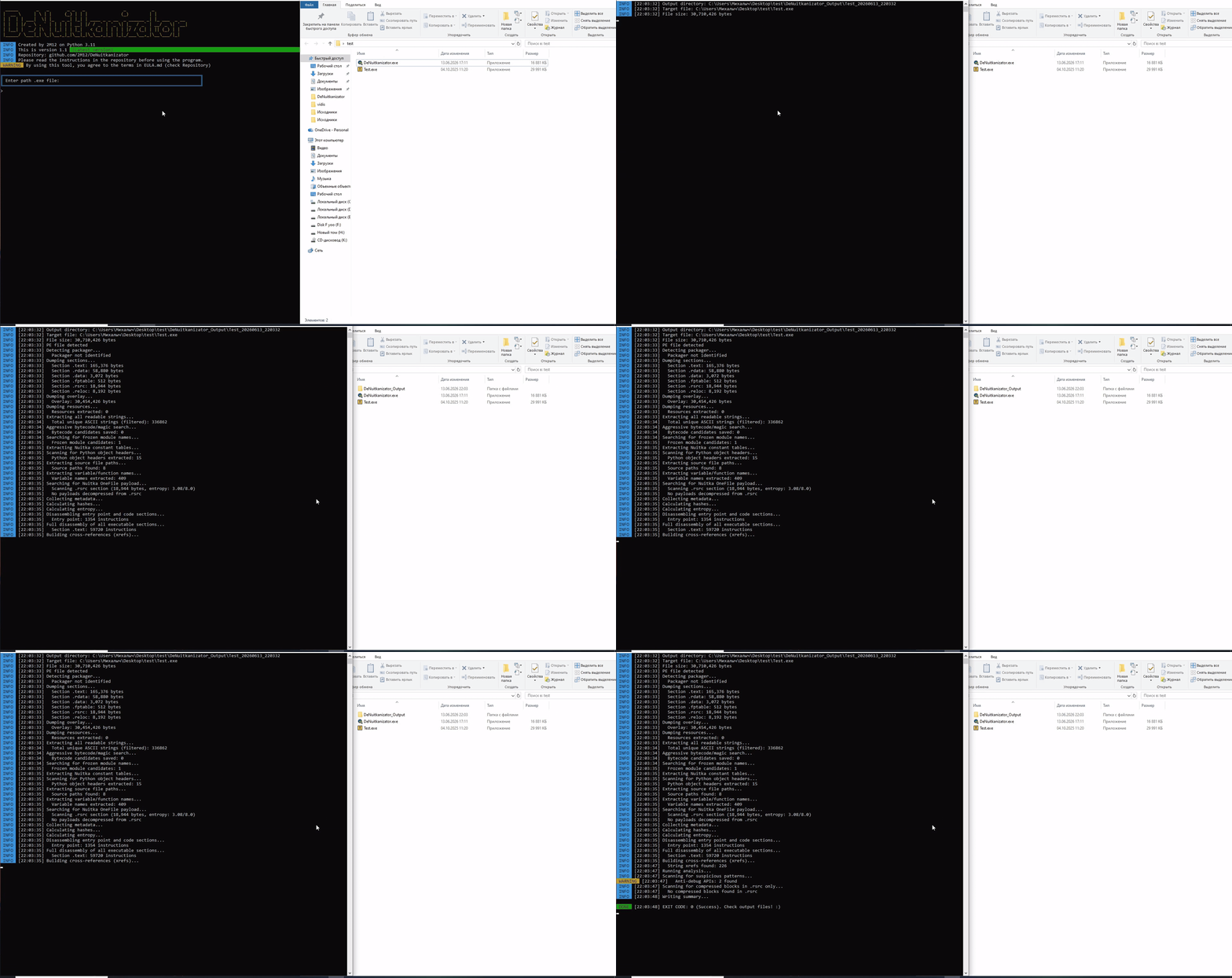
DeNuitkanizator in action:
Demo (GIF)
Installation
Method 1: Pre-built .exe
Download DeNuitkanizator.exe from GitHub Releases and run it.
Method 2: From Source
git clone https://github.com/2M12/DeNuitkanizator.git
cd DeNuitkanizator
pip install -r requirements.txt
python DeNuitkanizator.py
Usage
Enter the path to the .exe file:
"path_to_file.exe"
Results appear in the DeNuitkanizator_Output folder. summary.txt contains the overview.
- Results are NOT always guaranteed - depend on Nuitka version and compilation settings
- Can also analyze regular native .exe files (not written in Python)
- PyInstaller yields more detailed results (simpler structure)
- Tool is provided "as is"
About the Project
I always wondered how to disassemble an .exe file compiled with Nuitka. Tools like IDA PRO, Cremniy, and HxD already existed, but I decided to try building an open-source project. That is how DeNuitkanizator was born.
At first, I thought such decompilers already existed. I could not find any. So I remembered the pefile and Capstone libraries. After I finally managed to build something, I realized my program could also parse PyInstaller .exe files and even native binaries. I found that really cool, so I published it on GitHub.
DeNuitkanizator can be a useful tool for you - and at the very least, an interesting experiment. It has powerful features and automates a lot. In the future, the project will be improved and updated with new functions.